7 Workout App with Friends Options Compared
 16 min
A workout app with friends only works when the social model matches how your group already behaves. A public feed can help one group stay active and annoy another, while a tiny private wall can feel perfect for two busy friends and useless for a larger crew. The comparison below looks at seven different social designs, not just workout libraries, so you can choose based on shared visibility, privacy, workout format, platform access, competition intensity, and group size.
Quick comparison framework
- SuperStrong for a small private wall and fast bodyweight logging.
- Strava for a broad activity network with clubs and group challenges.
- Peloton for scheduled shared classes with invite-based meetups.
- Apple Fitness for built-in ring sharing and competitions on Apple devices.
- FitOn for free guided home classes with challenge tools.
- Hevy for a lifting-first feed with routine sharing.
- Any Distance for private clubs with supportive, comparison-light sharing.
Table of Contents
- 1. SuperStrong
- 2. Strava
- 3. Peloton App
- 4. Apple Fitness Activity Sharing and Competitions
- 5. FitOn
- 6. Hevy
- 7. Any Distance
- Top 7 Social Workout Apps Comparison
- Choose the Social Model Your Friends Will Actually Use
1. SuperStrong
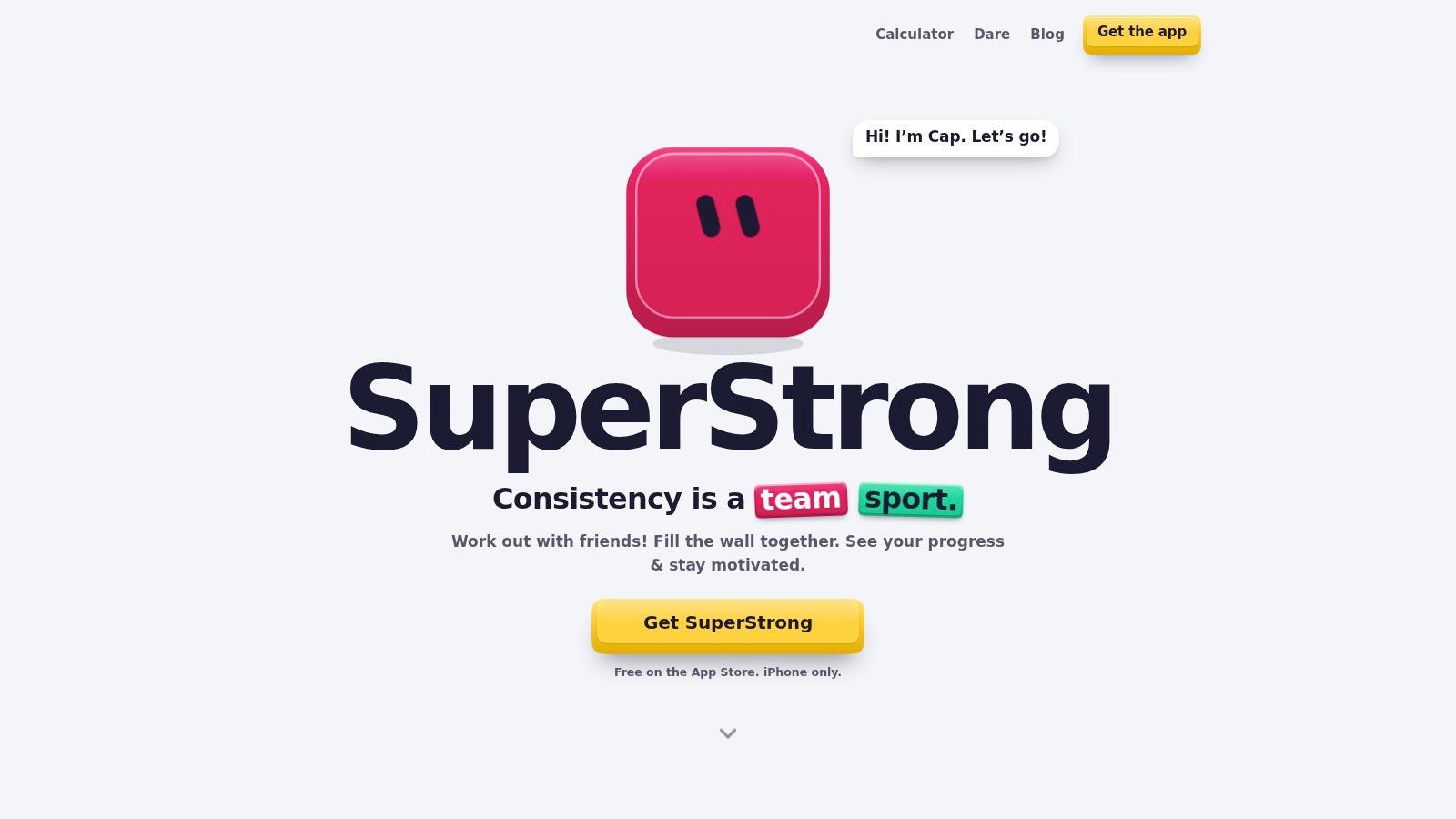
SuperStrong takes the idea of a workout app with friends and strips it down to the smallest useful unit, a short set you can finish between calls, chores, or other tasks. Instead of chasing points or long plans, it turns each logged set into a tile on a shared wall for up to four friends, so effort stays visible without turning the app into a social network. That design fits the evidence base around exercise snacks, which has moved from novelty to a well-studied pattern, with a 2025 systematic review synthesizing 26 peer-reviewed studies published between 2012 and 2025 and finding consistent improvements across several health and function outcomes from brief bouts spread through the day the review.
Why the wall matters
The wall is the product's main social model. Each set becomes a visual tile, bigger when the effort is bigger, and PRs get a NEW PR badge, so your group sees consistency and effort at a glance instead of digging through charts. One-tap sticker reactions keep the feedback loop short, which matters because the app is designed for brief at-home bodyweight sets like push-ups, squats, rows, glute bridges, bird dogs, dips, and pull-ups.
Practical rule: If your group wants accountability without a public feed, SuperStrong's private wall is easier to live with than a noisy community timeline.
Who it fits best
SuperStrong is strongest for iPhone users who want a simple shared routine, especially beginners, returners, and busy people who don't want to schedule a full workout block. Its structure also helps groups that need a clear cadence, because the app uses a weekly rhythm of training days and rest days rather than asking users to design their own system. The trade-off is obvious, it's intentionally narrow. If your group wants a large social graph, Android access, or lots of analytics, this won't feel expansive enough. For a deeper look at its habit framing, see the workout journal approach behind SuperStrong.
Website: SuperStrong
2. Strava
Strava is the most flexible option here when the group wants a shared activity network instead of a niche workout room. It works across runs, rides, walks, and many other activities, and the social layer scales from a few friends to a much larger circle without forcing everyone into one workout style. That breadth matters because social features have shown measurable links to engagement in app-based activity behavior, including app-specific communities, encouragement from close friends and family, and sharing physical-activity posts on existing networks JMIR study.
Private groups, public energy
The main advantage is that Strava gives you multiple ways to socialize. Friends can join private Group Challenges, use Clubs with feeds and leaderboards, and comment or give kudos on each other's activities. That makes it better than a simple chat thread when your group wants real logging and comparison, but it also means the feed can feel busy if you want a tighter, quieter circle.
The other strength is compatibility. Strava is device-agnostic and integrates with most wearables, which removes a common friction point for mixed-device groups. That's a big deal for a workout app with friends, because the social layer only matters if everyone can post into it.
Best use case and trade-off
Use Strava if your friends already track a lot of outdoor activity or if you expect the group to grow beyond a small core. Its competitive features can motivate some people, but they can also make privacy harder to manage than a small private wall. For groups that care more about who showed up than about who won, Strava can feel like too much surface area. For groups that want scale and familiarity, it's still one of the cleanest choices.
Website: Strava
3. Peloton App
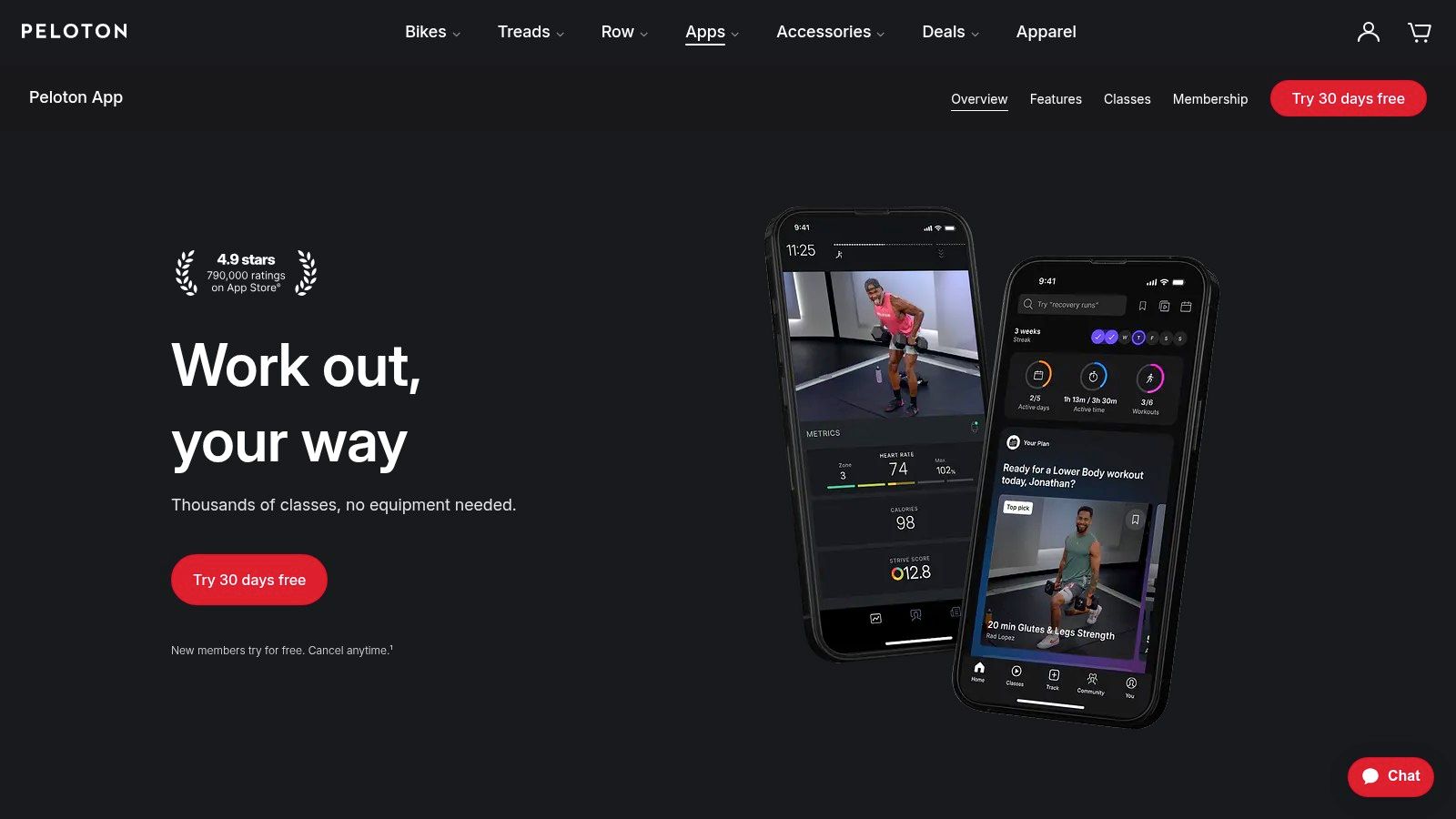
Peloton's app uses a very different social model, it centers on scheduled shared classes rather than open-ended posting. That makes it one of the easiest options for friends who keep missing one another in real life, because you're not trying to coordinate separate workouts and compare screenshots later. Instead, the app's invite feature lets you line up a class together and see one another on the leaderboard during the session.
Shared classes instead of shared logs
Peloton is built around instructor-led sessions, live and on-demand, with broad modality coverage across strength, cardio, HIIT, yoga, and more. That matters for groups who don't want to agree on one style of training, because everyone can still join the same class format even if their personal goals differ. In the social design, the class itself becomes the shared object, not a wall or feed.
The upside is coordination. A scheduled session reduces the planning burden, which is often the actual reason friend workouts fall apart. The downside is equally clear, the best social experience happens when your group can commit to the same time slot.
Where it works and where it doesn't
Peloton fits friend groups that want a recurring appointment and don't mind a bit of structure. It's also useful for people who prefer guided coaching and polished production over self-directed logging. If your circle wants casual accountability throughout the day, Peloton is less natural than a private feed or wall. If your circle wants a weekly meetup, it can work very well.
Website: Peloton App
4. Apple Fitness Activity Sharing and Competitions
Apple's social fitness model is the most lightweight of the bunch, but also the most locked to its own ecosystem. Activity Sharing sits inside Apple Watch and iPhone, so you get a built-in way to share daily progress and send encouragement without downloading another social platform. It also includes 7-day head-to-head Competitions, with points based on ring closures, which makes it a strong fit for very small groups that like a short competitive burst.
Best for Apple-only friend circles
The appeal is simplicity. Friends can see Move, Exercise, and Stand progress, react when workouts happen, and start a competition with very little setup. The system is private by default and works closely with Health, so it feels native rather than bolted on. That tight integration is also the limitation, because full use really depends on Apple Watch.
This is a good place to remember the broader evidence on social accountability. A 2020 review of adult smartphone interventions found one social-dynamics intervention didn't produce a statistically significant overall change, but 5 of 7 participants still increased steps when data were shared with group members JMIR study. Small groups can matter even when the mechanism is simple.
Apple's best feature here is not complexity, it's frictionless visibility.
Who should choose it
Choose Apple Fitness if your whole group already lives on Apple Watch and wants a fixed 7-day competition rather than a continuous feed. It's less useful if you need custom challenge lengths, deeper workout discussion, or cross-platform sharing. For pairs and very small circles, it's hard to beat on convenience. For mixed-device groups, it's the wrong shape.
Website: Apple Watch and Fitness
5. FitOn
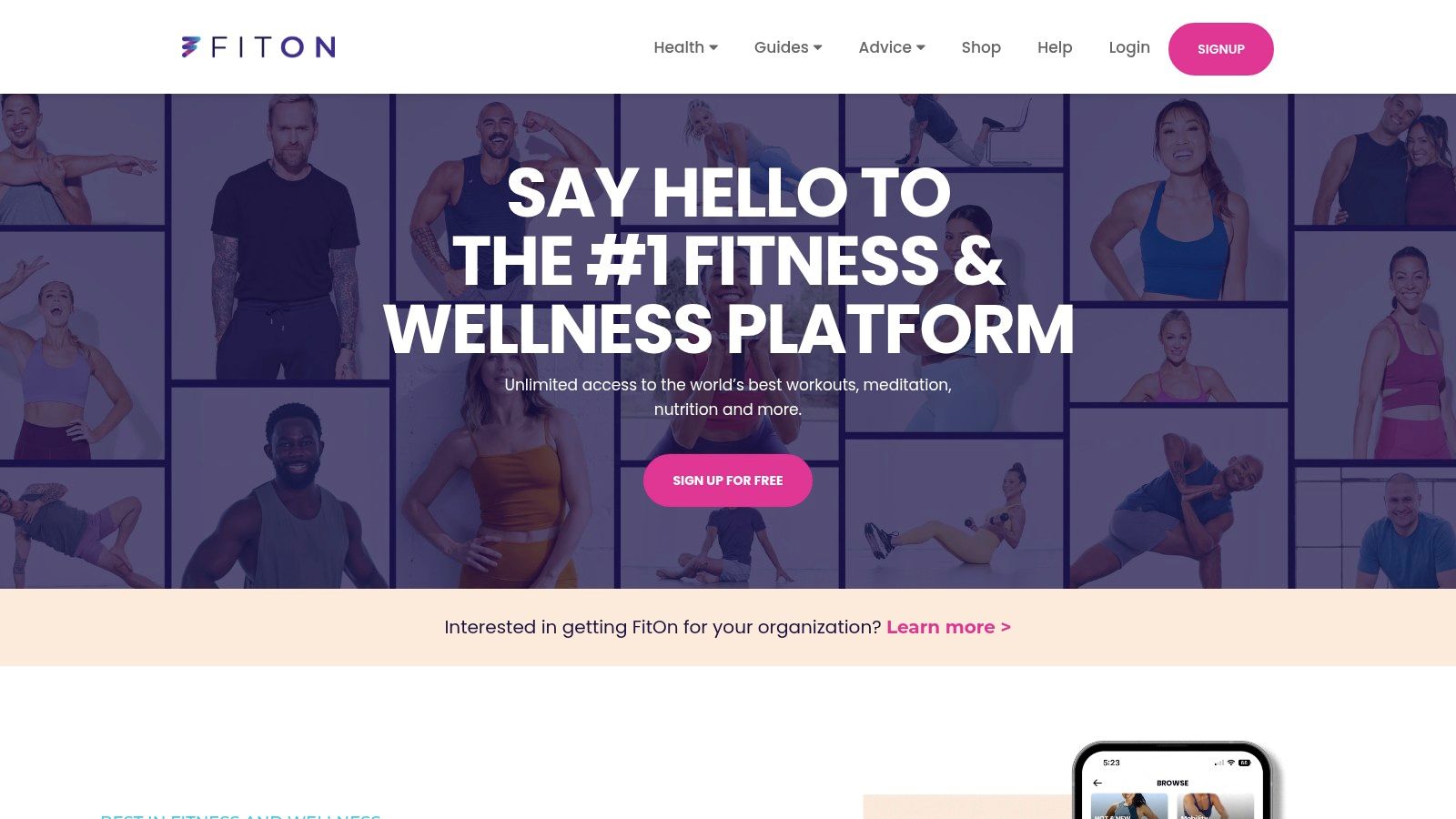
FitOn is the most straightforward option for groups that want a free guided class library with some social mechanics layered on top. The app's core appeal is access, since friends can join workouts without immediately hitting a paywall, which lowers the barrier for a group that's just starting to exercise together. Its social features are lighter than a true social network, but they still give you friendly pressure through challenges and class leaderboards.
Free workouts first, social features second
That order matters. FitOn works well when the primary goal is getting everyone into the same kind of home workout, whether that's HIIT, strength, yoga, Pilates, or stretching. The challenge layer is useful because it lets you invite friends and track participants without forcing everyone into one rigid format. It's a decent middle ground between a pure content app and a social tracker.
The app also supports Apple Health and Watch, plus TV access, which makes it easier for groups to use the same workout on different setups. That helps when one friend likes to cast to a TV and another prefers a phone.
For a simpler bodyweight setup, the at-home no-equipment workout guide from SuperStrong shows the kind of low-friction routine this category is trying to support.
Best fit and trade-off
FitOn is best for groups that want guided training more than they want detailed social comparison. The cost structure is friendly, but the social layer is thinner than what you get from Strava or Hevy. If your group thrives on structure, classes, and occasional friendly competition, it's a strong choice. If you want a feed that feels more like a private clubhouse, it may feel too light.
Website: FitOn
6. Hevy
Hevy is the lifting-focused option in this list, and its social model is built for people who want to see exactly what their friends did. The app's feed, comments, workout media, and routine sharing all sit closer to gym culture than to general wellness. That makes it a strong fit when the group cares about sets, exercises, and repeatable programs more than classes or step counts.
A feed built for strength work
Hevy's big advantage is that the social layer feels native to training logs. Friends can follow each other's workouts, leave comments, share routines, and post clips or photos, so the app supports both accountability and programming. The ability to share repeatable routines is especially useful in a workout app with friends, because “do what I did” only works if the workout is easy to copy.
It's also available on iOS and Android, which matters if your group isn't Apple-only. For mixed training styles, Hevy can auto-share to Strava, which helps bridge strength and cardio in one social environment. That makes it more flexible than it looks at first glance.
Where it beats the others
Use Hevy if your group is already lifting or wants to become more consistent with strength training. It's better than a class app when people train on their own schedules, and better than a general social network when you want precise exercise logs. The trade-off is that it doesn't try to be an all-purpose guided fitness platform. If you want coaching videos, it's not the first pick. If you want to know what your friend did in the gym, it is.
For a bodyweight-focused version of that habit loop, the bodyweight workout journal framing shows why simple logging can be enough for consistency.
Website: Hevy
7. Any Distance
Any Distance uses the most privacy-centered social model in this list. Its Active Clubs are private, invite-only groups for close friends, and the app emphasizes supportive sharing across walks, runs, rides, hikes, and other activities without pushing public comparison. That makes it a strong match for people who want encouragement, not performance theater.
Private clubs over public feeds
The design choice is clear. Instead of optimizing for discovery or broad leaderboards, Any Distance keeps the circle small and acceptance-based. That changes the tone of the app, because the group is there to acknowledge consistency rather than rank everyone's output. For a workout app with friends, that can be a huge benefit if your group dislikes public metrics or competitive pressure.
The app is iPhone-first and works with Apple Health plus data from popular services, which makes it fit naturally into the Apple ecosystem. The social layer is lightweight enough that posting doesn't become a chore, but still visible enough to keep people engaged.
Best use case and limitation
Choose Any Distance if your group wants a quiet, private space for movement accountability and doesn't care about broad community discovery. It's a better fit than Strava when privacy matters more than scale. It's also a better fit than Apple's competition format when your group doesn't want head-to-head scoring.
The downside is obvious. The smaller community and iOS-first design limit reach, so mixed-device groups may feel excluded. Still, for close friends who want a supportive club instead of a leaderboard, it's one of the most thoughtful options.
Website: Any Distance
Top 7 Social Workout Apps Comparison
| Product | Platform & Resources | Complexity 🔄 | Expected Outcomes ⭐📊 | Ideal Use Cases 💡 | Key Advantages ⚡ |
|---|---|---|---|---|---|
| SuperStrong | iPhone only; Free on App Store; bodyweight/no equipment; private groups ≤4 | 🔄 Very low, one‑tap logging, simple weekly rhythm | ⭐⭐⭐, better daily consistency and short‑term strength; visual accumulation 📊 | 💡 Busy professionals, beginners, small friend groups seeking lightweight accountability | ⚡ Fast, frictionless logging; strong social visibility |
| Strava | iOS/Android/web; integrates with most wearables; free tier + premium | 🔄 Moderate, device integration and club/challenge setup | ⭐⭐⭐⭐, measurable endurance gains, competitive motivation via leaderboards 📊 | 💡 Endurance athletes, expansive clubs, users with wearable devices | ⚡ Broad device support; large community; robust syncing |
| Peloton App (App One / App+) | iOS/Android; app tiers; works phone‑only; optional Peloton hardware | 🔄 Moderate, subscription tiers and scheduling invites | ⭐⭐⭐⭐, structured classes drive adherence and varied fitness gains 📊 | 💡 Users wanting scheduled live classes and instructor‑led sessions | ⚡ High‑production classes; easy group scheduling; strong instructor-led programs |
| Apple Fitness Activity Sharing & Competitions | Built into iOS/watchOS; Apple Watch required for full features; free | 🔄 Low, native setup, one‑tap 7‑day competitions | ⭐⭐⭐, daily nudges and short competitions boost consistency 📊 | 💡 Apple Watch users wanting lightweight, built‑in accountability | ⚡ Zero cost, seamless OS integration, privacy by default |
| FitOn | iOS/Android/web/TV; free core library; optional PRO subscription | 🔄 Low‑Moderate, join live/on‑demand classes and challenges | ⭐⭐⭐, varied short workouts support consistency and cross‑training 📊 | 💡 Groups wanting free on‑demand/live classes with low barrier to entry | ⚡ Generous free tier; wide class variety; easy group challenges |
| Hevy | iOS/Android; free + Pro; strength‑focused logging; Strava export | 🔄 Moderate, detailed logging and routine sharing workflows | ⭐⭐⭐, accurate strength tracking and program adherence 📊 | 💡 Strength trainees and small gym groups needing precise logs | ⚡ Fast logging; routine/media sharing; native lifting culture features |
| Any Distance | iOS‑first; Apple Health integration; private invite‑only Active Clubs | 🔄 Low, simple invite and sharing model for clubs | ⭐⭐⭐, supportive, comparison‑free motivation for regular activity 📊 | 💡 Close friend groups preferring privacy and encouragement over competition | ⚡ Privacy‑focused small clubs; lightweight celebratory sharing |
Choose the Social Model Your Friends Will Actually Use
The right workout app with friends depends less on feature count than on how your group connects. SuperStrong fits up to four iPhone users who want visible bodyweight micro-workouts without points or streaks. Strava is better when you want broad activity tracking and a scalable community, while Peloton works best for scheduled shared classes. Apple Fitness suits Apple Watch users who like fixed competitions, FitOn is the easiest entry point for guided home classes, Hevy is the strongest pick for lifting logs and routine sharing, and Any Distance is best when privacy and support matter more than comparison.
The easiest mistake is choosing a social format your group will not maintain. A class app fails if nobody can meet at the same time. A feed fails if everyone dislikes public comparison. A challenge app fails if the friction of setup is higher than the motivation it creates.
Use a simple selection check before you commit. Make sure everyone's on the same platform, decide whether the group wants a feed, wall, class, or challenge, agree on the privacy level, and pick the smallest recurring activity you can all sustain. That's the difference between a social fitness app that gets opened once and one that becomes part of the routine.
If your group wants a private, fast, bodyweight-first option, SuperStrong is built around that exact habit loop. It keeps accountability small, visible, and easy to sustain, which is why it fits this category so well. Visit SuperStrong if you want to see how a shared wall can make short workouts feel easier to keep.