7 Best Free Exercise Apps for iPhone in 2026
 15 min
Your next call starts soon. There's laundry on the sofa, no gym bag packed, and just enough space beside your desk for a few squats. You could exercise now, but choosing a workout might take longer than doing it.
That's where the right free app helps. You don't need a subscription to start moving. You need something that removes your particular obstacle: coaching when you don't know what to do, a timer when you're overthinking, a progression path when exercises feel random, or friends who notice your effort.
The best free exercise apps for iPhone support different habits. A polished class library won't help much if you only want to record push-ups between tasks. A simple workout log won't teach you an unfamiliar movement.
These choices are organized around those differences, not popularity. Some offer free training; others are free downloads with paid extras. Choose the format you'll use, and check what's included before committing to a plan.
Table of Contents
- 1. SuperStrong
- 2. Nike Training Club (NTC)
- 3. FitOn
- 4. Home Workout – No Equipments (Leap Health)
- 5. 7 Minute Workout (Bytesize Systems)
- 6. Fitloop Calisthenics & Gym
- 7. Bodyweight Fitness
- How the seven free iPhone exercise apps compare at a glance
- Choosing the Free App That Fits Your Routine
1. SuperStrong
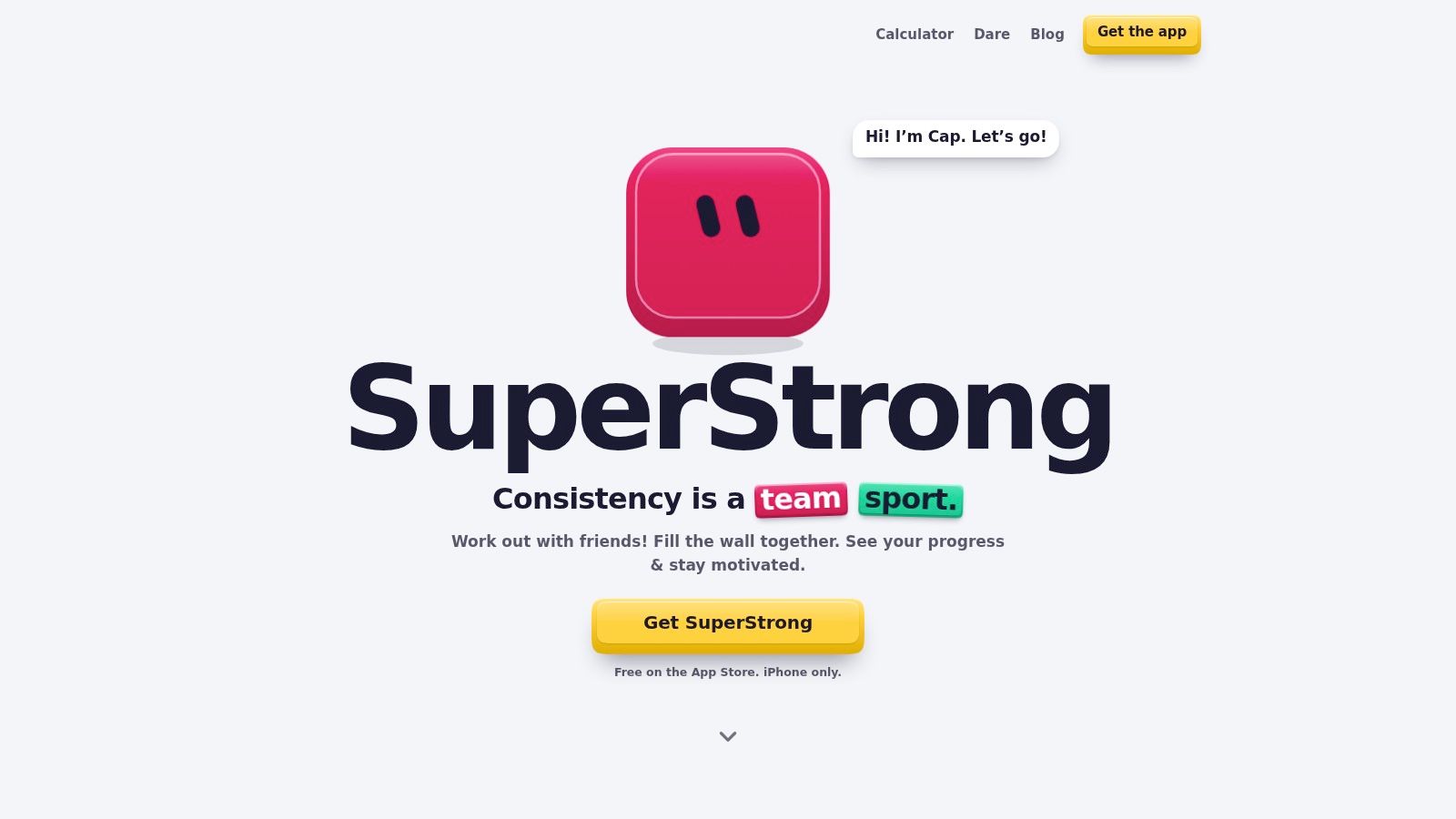
SuperStrong suits the small-group accountability habit. Our iPhone-only app is free on the App Store and turns logged bodyweight sets into a shared visual wall for you and up to three friends. It's a log, not a coach, so it works best when you already know how to perform your chosen movements.
To record a set, tap the big key, choose an exercise, enter repetitions or seconds for a hold, and confirm. Your set becomes a tile, with larger tiles representing more repetitions. You can record push-ups, squats, rows, glute bridges, and other movements without starting a formal workout session.
Make small efforts visible
Our starting rhythm uses three training days and four rest days, with modest goals you can increase when the current week feels easy. Zoomable history lets you move from daily activity to a whole year. Personal-record badges and sticker reactions give friends a simple way to acknowledge effort.
- What works: Quick logging suits sets between calls or chores, and the wall shows accumulated activity without points, streaks, or conventional graphs.
- What doesn't: You won't get detailed coaching or conventional workout analytics. Social accountability also depends on friends participating.
- What to expect: The Floor Club example uses sample activity. Your own wall starts empty.
Don't confuse a larger tile with better technique or a harder exercise. Repetition totals record what you did; they don't assess movement quality, recovery, or whether your training is balanced.
Practical rule: Keep the goal manageable enough to repeat with controlled technique. Increase difficulty deliberately, not just to make the wall look busier.
Best for: Busy beginners and small friend groups who want short bodyweight sets to feel visible and worth recording.
2. Nike Training Club (NTC)
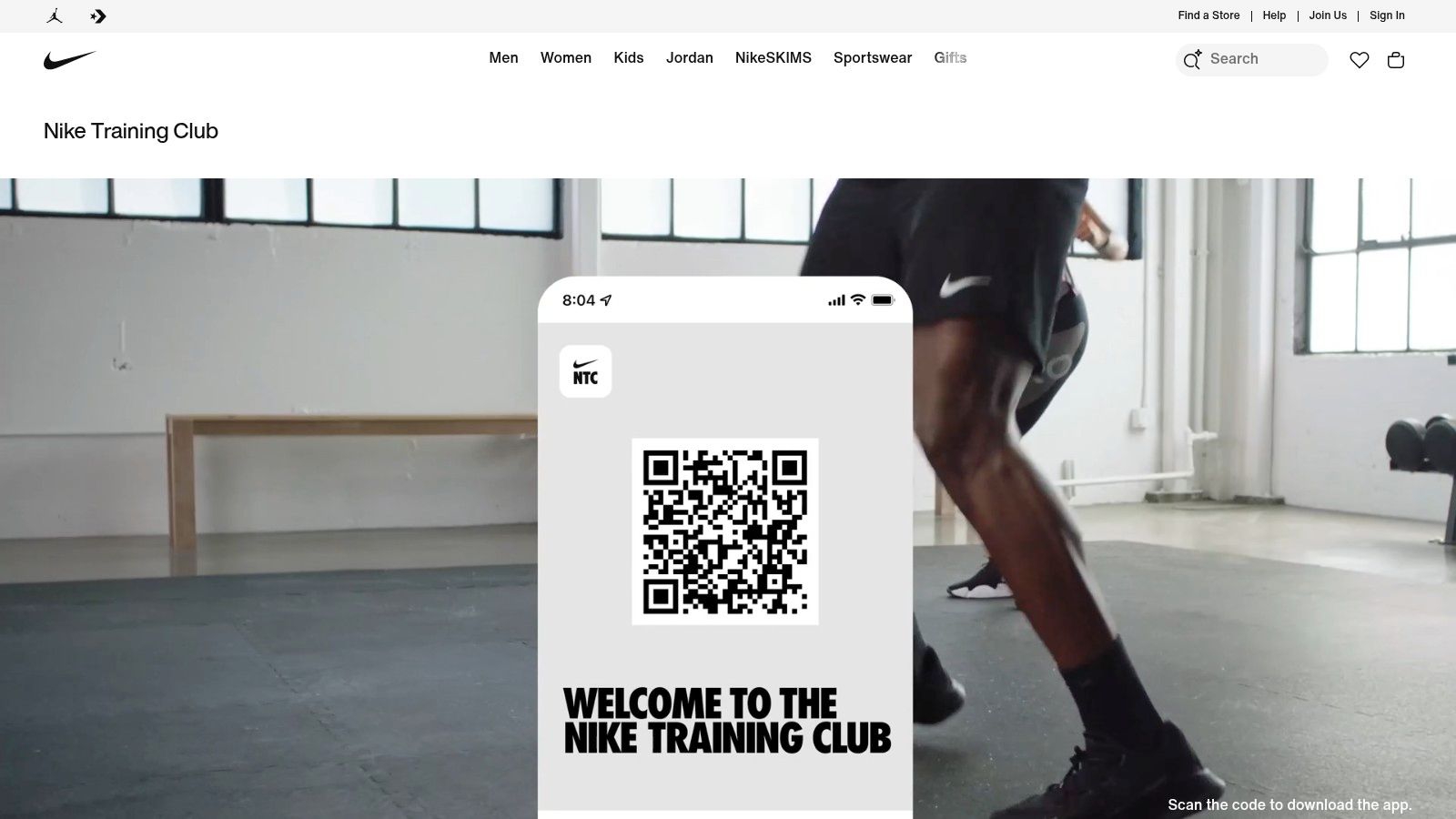
Open Nike Training Club when your main question is what should I do today? Its free guided workouts and programs provide more direction than a blank log or interval timer.
The library spans strength, conditioning, yoga, Pilates, mobility, and recovery. Bodyweight and low-equipment options make it useful at home, while other sessions suit gym training. Trainer-led instruction is the main advantage: you follow a session rather than assemble exercises yourself.
Choose a program, not an endless browse
A broad library can become another decision-making task. Start with a suitable beginner program or save a manageable group of workouts that match your space and equipment. Repeat those before searching for something new.
That approach also makes progress easier to judge. If you constantly switch workout styles, it's harder to tell whether a familiar movement feels more controlled or whether you're recovering better between efforts.
- Strongest advantage: Instruction and programming help when you need a planned session.
- Main trade-off: Navigating classes takes more attention than recording an informal set.
- Practical limitation: A video can demonstrate technique, but it can't confirm that you're copying it correctly.
NTC is a better choice than a lightweight tracker when uncertainty prevents you from starting. It's less suitable when you already have a routine and only need somewhere to record it.
Best for: Beginners and returners who want free, trainer-led classes and a repeatable training schedule.
3. FitOn
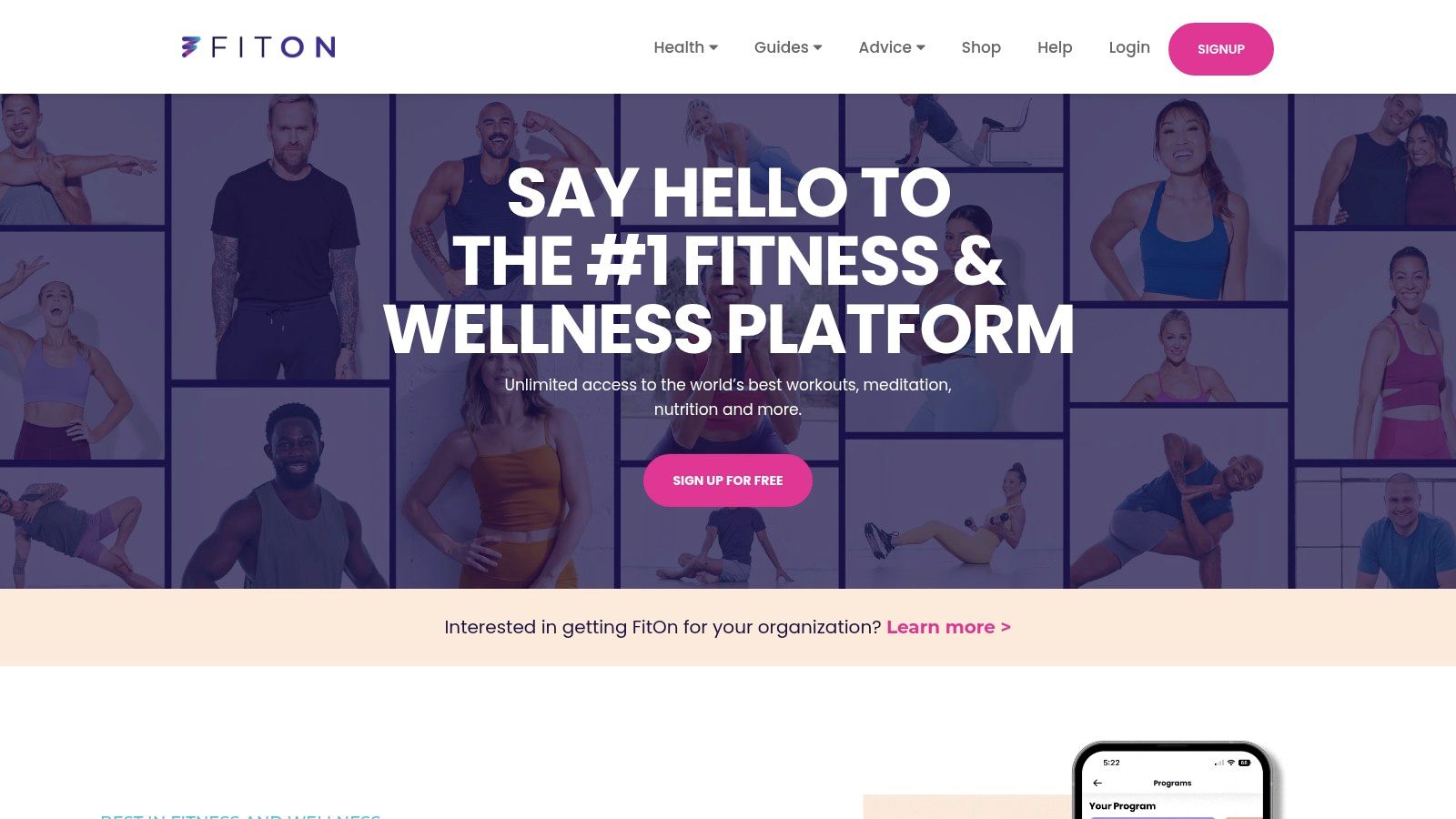
If repeating the same exercise format makes you stop training, FitOn offers a different route. Its free core fitness offering combines on-demand classes and personalized plans across strength, cardio, yoga, Pilates, dance, barre, and meditation.
Variety is the reason to choose it, not the size of the library alone. You can choose a more demanding session when you have energy, then use a gentler format when a hard workout isn't appropriate. Short classes also help when your available time changes throughout the week.
Progress sharing and workout-partner messaging add a social element. That suits people who want encouragement around classes rather than a dedicated shared record of individual sets.
Choose a default workout before your day gets busy. Browsing for the perfect class is still time spent not exercising.
Watch the free-versus-paid boundary
FitOn offers optional PRO features. Unlimited offline downloads, recipes, and certain heart-rate features sit outside the core free offering, so don't assume every visible feature is included.
The class-first design is another trade-off. It works well when you want to press play and follow along, but it's unnecessarily involved for logging squats beside your desk. For strength progress, keep some familiar exercises in rotation rather than treating every session as a fresh experience.
Best for: People who stay engaged through varied classes and want optional social encouragement alongside their workouts.
4. Home Workout – No Equipments (Leap Health)

You've cleared a patch of floor, but you still need a routine. Home Workout – No Equipments, from Leap Health, focuses on that situation with guided home exercise, demonstrations, and workout tracking.
Its selection includes bodyweight routines, quick sessions, stretching, chair-based exercise, and equipment-based options. Apple Health and Apple Watch connections are available, but choose the workout itself before worrying about integrations. A connected record won't make an unsuitable exercise more useful.
Match the routine to your actual room
Check movements before pressing start. A workout can require no weights yet still need clear floor space, a stable support, or enough room to move without hitting furniture. Choose quiet, controlled alternatives if jumping isn't practical where you live.
An at-home no-equipment workout can help you establish the movement patterns you want to cover before choosing a guided plan.
- Useful strength: Exercise demonstrations reduce the work of assembling a home session.
- Payment caution: The app includes in-app purchases. Free to download doesn't mean every plan or feature is free.
- Habit trade-off: It's primarily a guided workout tool, not a small-group visual activity wall.
Don't select a routine just because its label sounds ambitious. Choose movements you can perform with control, and inspect the free access before arranging your week around a particular plan.
Best for: Home exercisers who want demonstrations and ready-made routines rather than building sessions from scratch.
5. 7 Minute Workout (Bytesize Systems)
A timer can be more useful than another training plan. 7 Minute Workout suits the quick-circuit habit: start a session, follow the exercise prompts, and let the app handle transitions.
The format combines timed bodyweight exercise with rest intervals. Voice guidance, exercise instructions, offline access, and Apple Health integration cut setup down to pressing start. For people who stall on deciding what to do, that is the feature: the session arrives pre-organized.
To see the app's official information, visit the 7 Minute Workout website. Confirm the developer name in the App Store before downloading; similarly named timer apps are not interchangeable.
Short sessions still need purpose
A systematic review and meta-analysis of exercise snacks defines them as bouts of five minutes or less, performed at least twice daily, and found meaningful improvements in adults' cardiorespiratory fitness and older adults' muscular endurance. A seven-minute circuit runs longer than the bouts studied, so treat it as a short workout rather than an exercise snack, and don't expect it to replace a full training program.
These exercise-snack examples show how scattered movement breaks differ from a continuous timed circuit, and when each fits a busy day.
- What works: A fixed circuit removes planning and gives a clear stopping point.
- What doesn't: Timed completion says little about strength progression; it records that you finished, not whether your push-ups improved.
- What to check: In-app purchases are listed, so inspect the paid options before relying on customization.
Pause when your technique deteriorates. The timer is a prompt, not an instruction to keep moving through pain.
Best for: People who need a simple, repeatable circuit with minimal planning.
6. Fitloop Calisthenics & Gym
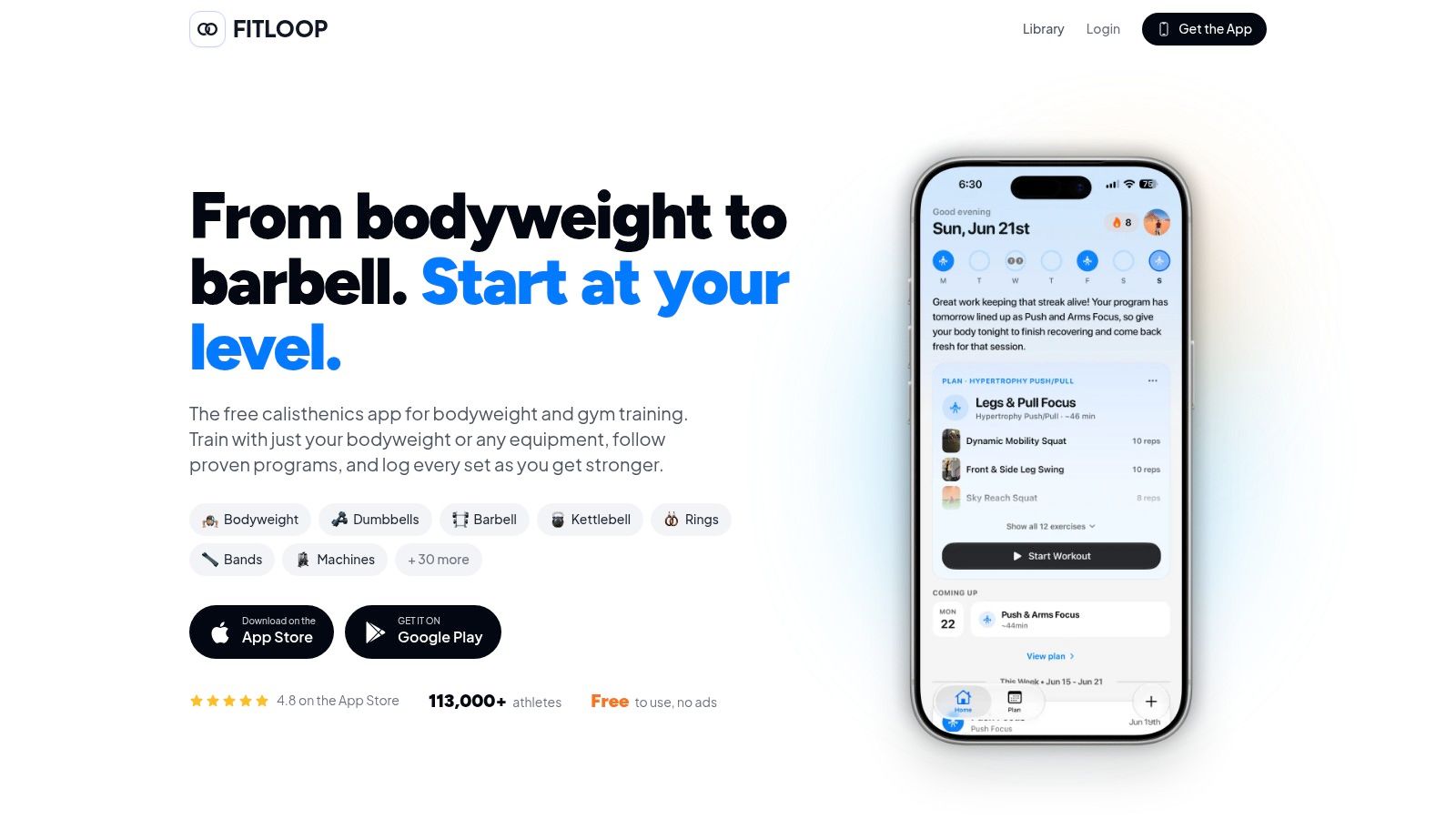
Fitloop is the progression-focused choice. Fitloop combines bodyweight progression trees, workout logging, custom routines, and community-developed programs, including the Recommended Routine.
Its substantial free tier includes exercise videos, rest timers, workout history, Apple Watch support, Apple Health sync, and data export. Optional Fitloop+ adds planning and coaching features. The core appeal is having a place to track how your training changes, not just whether you completed a session.
Progress a movement instead of collecting workouts
If regular push-ups are still difficult, begin with a suitable modified variation and track it consistently, including the support height when possible. Once you can comfortably complete controlled sets, gradually increase the number of repetitions or lower the support.
Change the demand deliberately. Increasing repetitions while also choosing a harder variation makes it difficult to judge what you can repeat next time.
Progression check: Repeat the current variation until you can perform it consistently. A harder exercise isn't progress if you lose control or shorten the movement substantially.
Fitloop's structure also helps you look beyond pushing exercises. Include suitable pulling and lower-body work rather than building an entire routine around push-up records. Pulling movements may require securely installed equipment, even in an otherwise bodyweight-focused plan.
The trade-off is administrative effort. Detailed logging and progression tools are useful for planned sessions, but they may feel excessive when your immediate goal is just to move between meetings.
Best for: Bodyweight enthusiasts who want measurable progression, repeatable routines, and useful training records.
7. Bodyweight Fitness
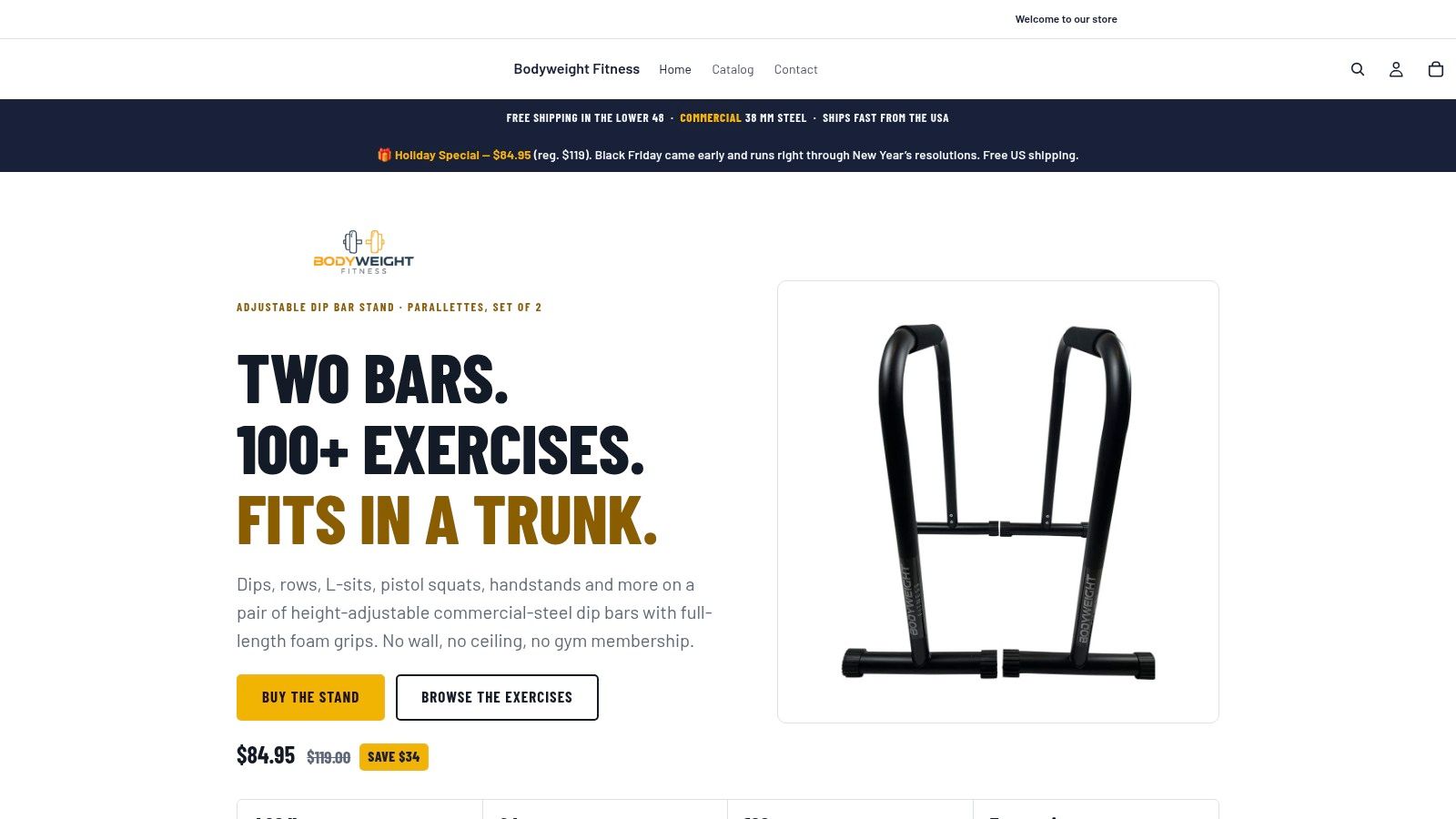
Bodyweight Fitness suits people who prefer following an established routine over browsing a class library. It guides users through bodyweight and flexibility routines associated with the r/bodyweightfitness community.
Options include the Recommended Routine, Starting Stretching, and Molding Mobility. Exercise videos, rest timers, logging, progress views, and offline video access support planned sessions. It's free to download, but inspect the current listing before assuming every capability is unrestricted.
Keep the routine, scale the movement
A named routine isn't a requirement to perform every movement exactly as demonstrated. Choose an easier variation when necessary, and don't improvise unstable supports to make a pulling exercise or dip possible.
- Useful structure: A repeatable routine lets you spend less time deciding what comes next.
- Helpful guidance: Videos and timers support execution without turning the app into a broad entertainment library.
- Main limitation: Planned sessions require more uninterrupted attention than informal sets, and some movements need suitable equipment or scaling.
If you're choosing between routine guidance and more flexible logging, this bodyweight workout app comparison can help clarify the distinction.
Bodyweight Fitness is particularly useful when you already like the underlying routines and want them organized on your phone. It's less compelling if your main obstacle is motivation from friends, or if you need a coach to explain why a particular movement isn't working for you.
Best for: Self-directed exercisers who want established bodyweight and flexibility routines with videos, timers, and logging.
How the seven free iPhone exercise apps compare at a glance
| Item | Cost to Start | Best For | Group or Social Features | Core Approach |
|---|---|---|---|---|
| SuperStrong | Free to download | Short at-home bodyweight workouts and habit building | Shared progress wall for up to four people; encouragement stickers | Log sets as visual tiles and track activity over time |
| Nike Training Club (NTC) | Free | Guided training and structured programs | No social features specified | Trainer-led classes across strength, cardio, yoga, mobility, and recovery |
| FitOn | Free core offering; optional PRO features | Varied on-demand classes and short workouts | Progress sharing and workout-partner messaging | Classes and personalized plans across fitness styles |
| Home Workout – No Equipments (Leap Health) | Free to download; in-app purchases | At-home workouts with or without equipment | No shared group features specified | Guided bodyweight routines, exercise demonstrations, and workout tracking |
| 7 Minute Workout (Bytesize Systems) | Free to download; in-app purchases available | Quick, equipment-free circuit sessions | No social features specified | Timed seven-minute circuit with voice guidance and exercise instructions |
| Fitloop: Calisthenics & Gym | Substantial free tier; optional Fitloop+ | Calisthenics progression and workout logging | Community-developed programs; no group tracking specified | Log workouts and build toward harder bodyweight skills |
| Bodyweight Fitness | Free to download | Guided bodyweight and flexibility routines | No social features specified | Follow established routines with timers, logging, and progress views |
Choosing the Free App That Fits Your Routine
Choose the app that addresses why you're not training yet. If you need instruction, start with Nike Training Club. If variety keeps you engaged, FitOn makes more sense. If you want a ready-made home routine, consider Home Workout.
For a quick timed circuit, choose 7 Minute Workout. For bodyweight skill progression, Fitloop offers a more deliberate tracking approach. Bodyweight Fitness suits people who want to follow established routines rather than assemble their own.
Choose the habit before the integrations
Short sets and a shared record suit a different problem: remembering to move and making that effort visible to friends. That can be a useful starting point, but don't mistake consistency tracking for complete programming. As your goals develop, you may need longer aerobic sessions or more structured strength work.
Privacy deserves the same attention as workout selection. Apple's health and fitness privacy overview states that apps must obtain permission before accessing health data. Enable integrations deliberately rather than approving every request during setup.
- For manual logging: Try the basic workflow before connecting additional health information.
- For social features: Review membership controls, notifications, deletion options, and what other people can see.
- For accessibility: Check that you can read instructions and understand progress without relying only on color, tiny icons, or audio.
Start with a manageable routine and repeat it before increasing the demand. Add repetitions or select a harder variation when the current work feels controlled and repeatable, not just because an app displays a target.
Check with a doctor before starting any new exercise programme. Then choose a suitable session, clear a safe space, and make your first workout small enough that you're willing to return.
SuperStrong turns short bodyweight sets into a visual record you can share with a small group of friends. If that's the habit you need from a free iPhone exercise app, visit SuperStrong and start building your wall with a manageable set.