Best Fitness Tracker App for iPhone: Top Pick for 2026
 16 min
The most feature-rich app isn't automatically the best fitness tracker app for iPhone. A dashboard packed with charts can still fail if logging takes too long, the required wearable doesn't fit your routine, or the social experience creates pressure instead of accountability. The better question is what kind of consistency you want to build: a private wall with friends, Apple's Activity Rings, a public endurance community, wearable-led recovery data, adaptive coaching, or a manual gym log.
This comparison covers SuperStrong, Apple Fitness, Strava, Google Health, Garmin Connect, Fitbod, and Strong. Each app is assessed using the same practical framework: best fit, tracking method, social experience, strengths, limitations, and the workout style it supports. That matters because tracking alone is now common. A systematic evaluation of 98 iPhone fitness apps found that tracking was widespread, while Educational and Social features predicted higher satisfaction, according to the published evaluation.pdf). The strongest choice is the app that makes your next workout easier to start and easier to share.
Table of Contents
- 1. SuperStrong
- 2. Apple Fitness
- 3. Strava
- 4. Google Health
- 5. Garmin Connect
- 6. Fitbod
- 7. Strong Workout Tracker and Gym Log
- Top 7 iPhone Fitness Tracker Apps Comparison
- Choose the App That Makes Your Next Workout Easier
1. SuperStrong
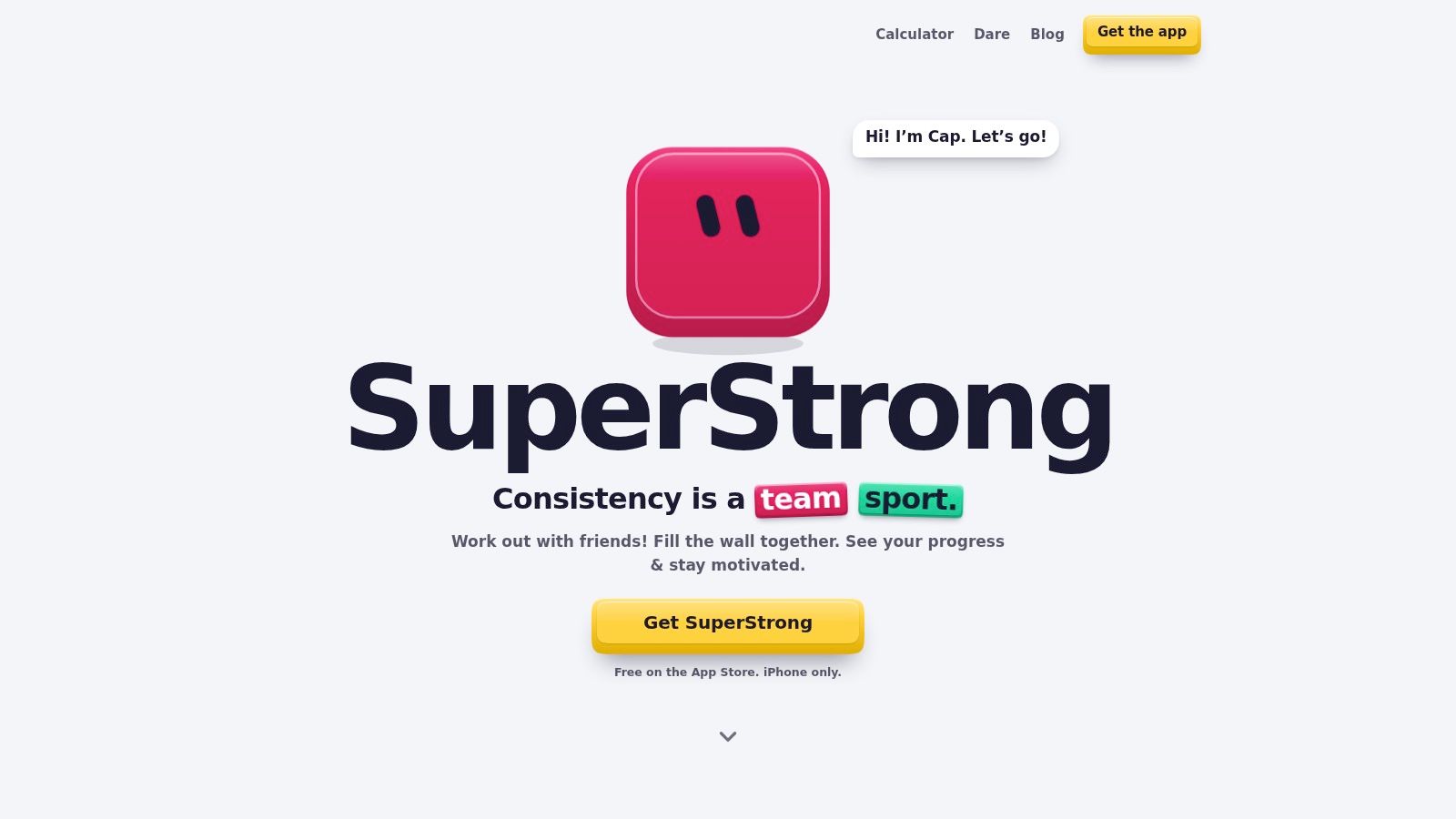
SuperStrong is the strongest match for iPhone users who want short, equipment-minimal bodyweight workouts and accountability from a small group. Instead of turning exercise into a spreadsheet, it places every logged set on a visual shared wall. More repetitions create a larger tile, personal bests receive a NEW PR badge, and the accumulated wall makes effort visible without points, streaks, or complicated graphs.
The app supports movements such as push-ups, squats, pull-ups, chair dips, glute bridges, rows, and bird dogs. A simple rhythm of three training days and four rest days gives beginners and returners a manageable structure, while small daily goals can increase when the current target feels easy. Logging is designed for exercise snacks between calls, chores, or other daily tasks rather than long gym sessions.
Best for private accountability
The social model is deliberately narrow. One wall can include up to four friends, and each set appears for the group to see. One-tap sticker reactions provide quick recognition, with up to four stickers on a tile. That creates a different kind of motivation from a public leaderboard. Friends can notice that someone showed up, without exposing every workout to a large community.
The same wall can be zoomed from individual days to weeks, months, or a full year. It works more like a visual record of accumulated effort than a performance dashboard. If you want a detailed volume analysis, structured periodization, or a large training community, that simplicity becomes a limitation.
Practical rule: Choose SuperStrong when seeing a few friends' daily effort will motivate you more than collecting another set of metrics.
The trade-off is clear. SuperStrong is iPhone-only, focused on bodyweight training, and intentionally light on analytics and long-form programming. That makes it a poor fit for a powerlifter who needs extensive exercise history, but a compelling fit for a busy person who wants a low-friction workout journal app with visible social reinforcement.
2. Apple Fitness
Apple Fitness is the natural starting point for iPhone owners who want tracking that works with the devices they already use. The iPhone can track steps, distance, active calories, trends, and workouts through Apple's built-in Health and Fitness experience, as documented in Apple's iPhone Fitness guide. That makes it less of a specialist workout log and more of a platform-level activity hub.
Its main accountability mechanism is the Activity Rings. The Move goal provides an iPhone-based daily target, while Exercise and Stand tracking depend on an Apple Watch. Activity Sharing lets friends view progress, receive notifications, and compete. The experience is simple and familiar, but it encourages daily completion more than detailed group conversation.
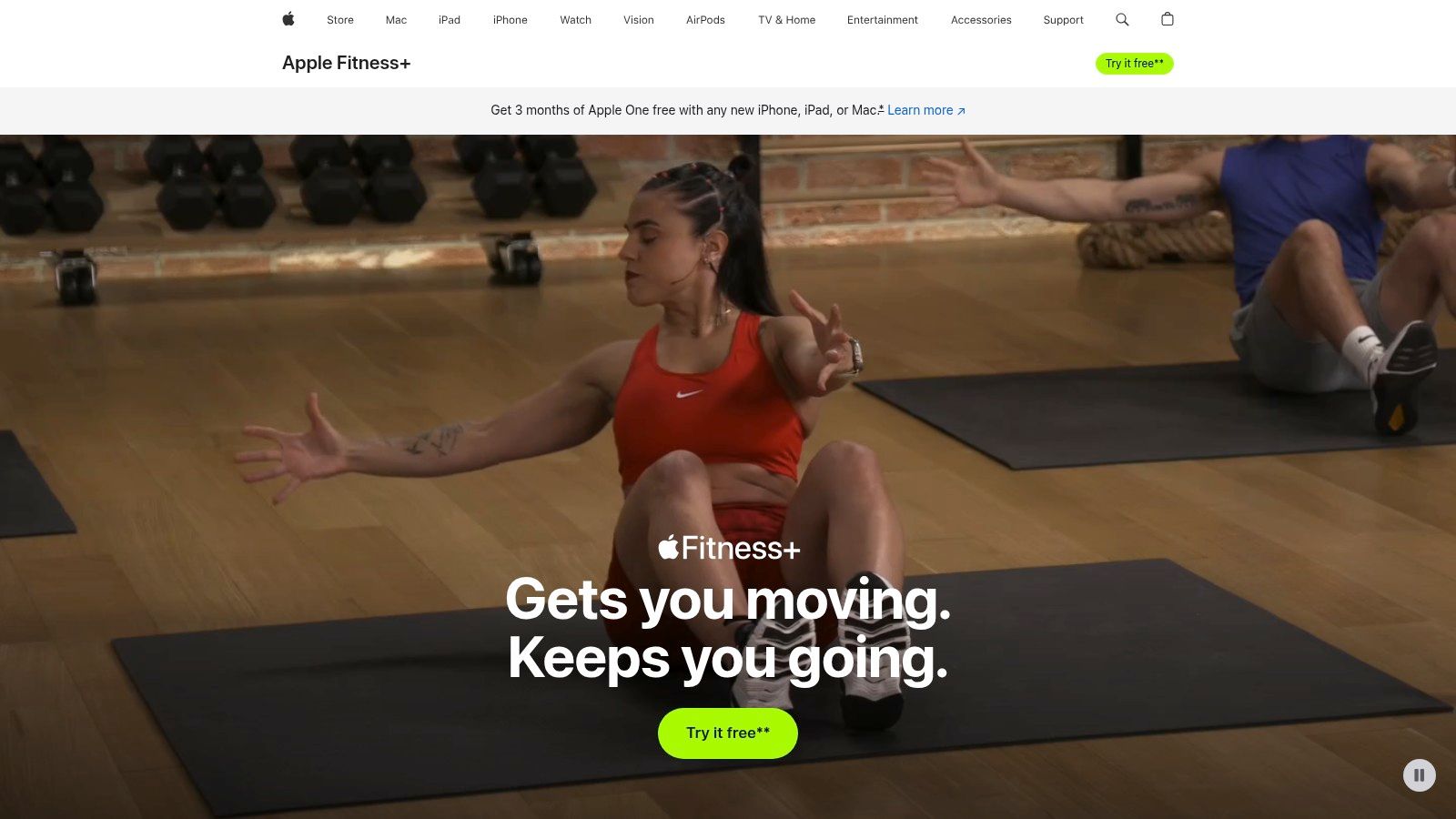
With Fitness+, Apple adds coach-led classes, personalized recommendations, multiple workout types, and richer real-time metrics when paired with Apple Watch. The ecosystem also connects naturally across iPhone, Apple Watch, and Apple TV, so users who already own Apple hardware don't need to assemble a separate tracking setup.
Best for ecosystem convenience
Apple Fitness suits users who want automatic baseline tracking and casual accountability. It isn't the best choice for a private four-person wall, detailed gym programming, or a public running community. Without an Apple Watch, you also won't get the full Activity Ring experience, since the Exercise and Stand rings require the watch.
Apple Fitness is a sensible default when your priority is reducing setup rather than finding a specialized training method.
Its advantage is consistency across Apple devices. Its limitation is that the social layer remains relatively lightweight compared with community-first apps. If your motivation comes from just closing a ring, Apple Fitness may be enough. If you need friends to react to individual sets or discuss training, you'll likely need another app alongside it. Visit Apple Fitness+ to review the broader Apple workout ecosystem.
3. Strava
Strava is built around public activity and endurance identity. Runners, cyclists, hikers, and multisport athletes can record GPS workouts, examine routes, compare segment efforts, join clubs, and discover local activities. Its social feed turns a workout into a shareable event, while leaderboards and personal records give users a reason to return beyond basic distance tracking.
That makes Strava's accountability different from SuperStrong's private wall or Apple's Activity Rings. The pressure comes from visibility within a broader community. A runner may be motivated by a club, a friend's recent ride, a segment result, or the opportunity to establish a personal best. Route planning, offline maps on iPhone, and broad device integrations also support users who move between phones, watches, and cycling computers.
Best for public endurance communities
Strava's safety tools add a practical layer. Beacon can share live location from the iPhone app, which is useful for outdoor workouts where someone may need to know your route. The platform also supports multi-sport tracking and integrations with products such as Apple Watch and Garmin devices.
The trade-off is privacy and cost. Public leaderboards and social sharing aren't comfortable for every user, and the most advanced features require a subscription. Strava is also more naturally suited to running, cycling, hiking, and outdoor activity than to quick home bodyweight sets or detailed manual strength routines.
Choose Strava if the people around your workout matter as much as the workout data itself.
For users who prefer a smaller, more private circle, a workout app with friends may create more useful accountability than a public feed. Strava remains the better fit when community discovery, GPS detail, and endurance comparison are the main reasons you'll keep logging.
4. Google Health
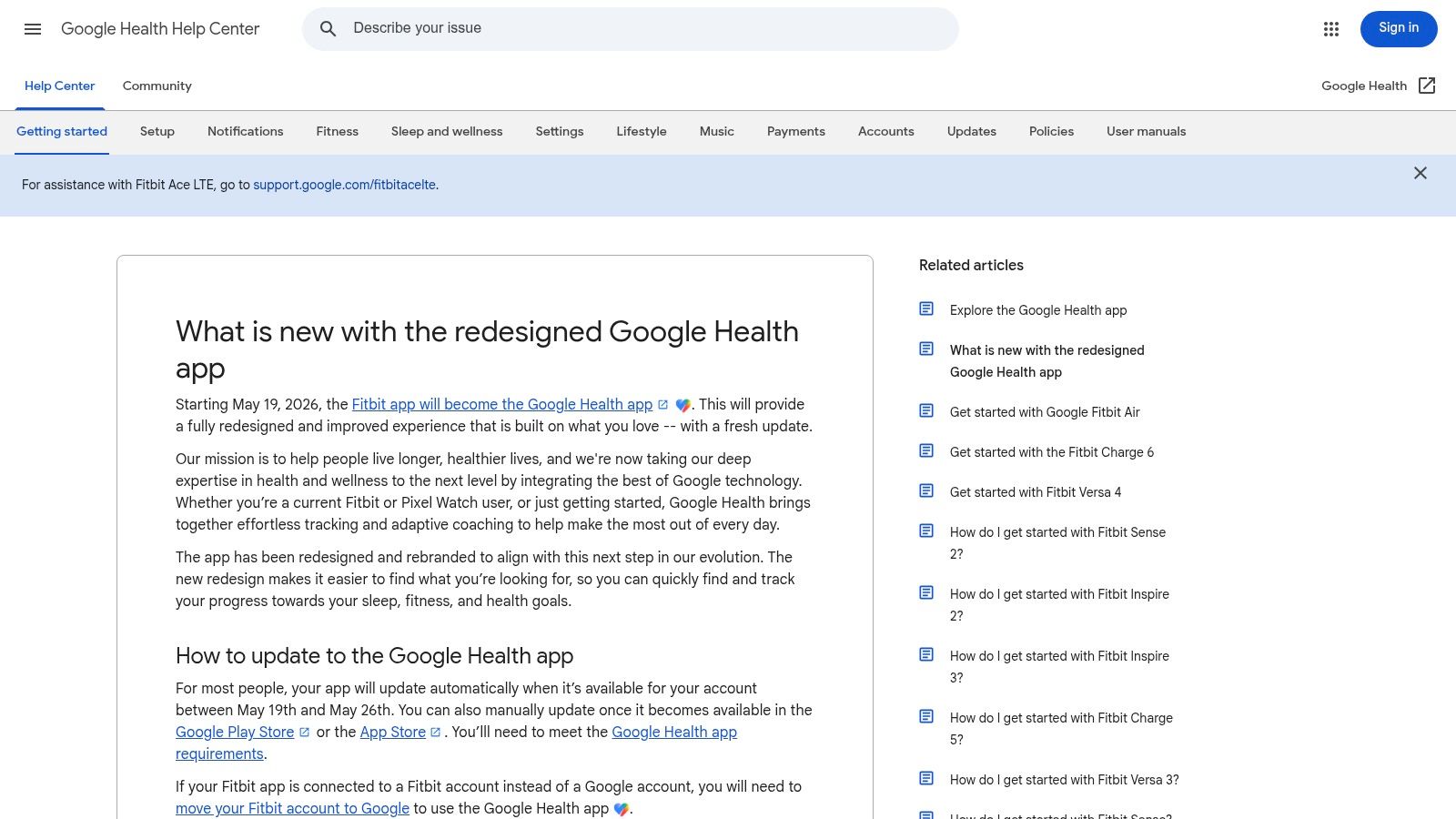
Google Health, formerly the Fitbit app, is designed for iPhone users who already rely on Fitbit or Pixel Watch hardware. The app centralizes activity, sleep, and health data from compatible devices, with metrics such as heart rate, HRV, and SpO2 available when the paired hardware supports them. It can also connect with Apple Health and other apps through Google Health APIs.
That makes the app less useful as a standalone iPhone tracker. Its value comes from the wearable ecosystem feeding it continuous data. Users who already own compatible Fitbit or Pixel devices can use the app as a central view of activity, sleep, and health trends without abandoning the hardware they trust.
Best for wearable-led health tracking
Google Health Premium adds a Gemini-powered health and fitness coach, adaptive plans, and enhanced sleep insights. This creates an accountability model based on personalized guidance, rather than a public feed or a small shared wall. The app can suggest what to do next, but users who want active encouragement from friends may find the social layer less compelling.
A Google account is required, and the full experience depends on compatible Fitbit or Pixel Watch hardware. The transition from the Fitbit app also means some legacy features have changed, so existing users should check whether the current experience still matches the way they used the older app.
The product is strongest for people who care about sleep, heart-rate context, and wearable-generated trends. It isn't the most direct tool for logging individual strength sets, and it won't replace a simple social habit app for someone whose main problem is remembering to do short workouts.
Review Google Health's current support information before switching from Fitbit, especially if you depend on older features or already have a long history of device data.
5. Garmin Connect
Garmin Connect is for iPhone users who own Garmin watches or cycling devices and want the deepest training picture among the apps in this list. The app surfaces metrics including Body Battery, HRV status, training load, training status, VO2 Max, and sleep score, depending on the connected Garmin device. Apple Health synchronization lets Garmin data participate in the broader iPhone health ecosystem.
Its accountability model is less social than Strava's. Garmin Connect primarily helps users interpret workload, recovery, and performance over time. A runner or multisport athlete can use those signals to decide whether to train hard, maintain effort, or recover, rather than relying on a single daily score.
Best for training depth
Garmin Connect+ adds AI-based Active Intelligence, nutrition tracking, enhanced LiveTrack, and customizable performance dashboards. The free Connect app still provides the central device data and long-term history, while the premium layer is aimed at users who want more interpretation and customization.
The central limitation is hardware dependency. Without a Garmin device, the app loses most of its value, because the device supplies the data that makes the dashboard useful. The amount of information can also overwhelm beginners who need a simple next action rather than several training and recovery indicators.
Garmin Connect is the right pick for endurance and multisport athletes who already live inside Garmin's ecosystem. It isn't the best option for someone who wants a quick bodyweight log, a small private social group, or an app that works independently of a wearable. See Garmin's app overview for the current device and feature ecosystem.
6. Fitbod
Fitbod is a training planner first and a tracker second. Its AI-driven system creates strength workouts for home or gym use, then adapts recommendations based on workout history, equipment, and recovery. It tracks sets, repetitions, and volume, while exercise videos and session-specific coaching help users understand what to do next.
That makes Fitbod's accountability model prescriptive. Instead of asking you to decide which exercises to log, it gives you a daily training direction. This is useful for people who want structure but don't want to design a complete strength program themselves.
Best for adaptive strength programming
Fitbod integrates with Apple Health and Apple Watch, as well as Strava and Fitbit. That makes it easier to place strength sessions alongside other activity data. The Apple Watch experience also supports users who want to follow a session without constantly checking their iPhone.
Its trade-off is focus. Fitbod is primarily for strength training, not public endurance communities or simple daily habit visibility. The full feature set requires a subscription, and users who prefer choosing their own routine may find the adaptive approach too directive.
Fitbod makes sense when the hardest part isn't recording a workout. It's deciding what to do today.
For someone training at home with little or no equipment, the best plan may still be a deliberately small routine. Fitbod is more useful when you want progression across exercises and sessions, while a no-equipment workout at home may be a better match for quick, informal movement breaks. Visit Fitbod to assess whether its coaching model fits your training style.
7. Strong Workout Tracker and Gym Log
Strong is a manual logbook for people who already know what they want to train. It focuses on fast entry for sets and repetitions, custom exercises, templates, workout history, and charts. The app also supports cardio logging and includes an Apple Watch experience with timers and workout metrics.
Unlike Fitbod, Strong doesn't automatically design your training. That is the point. The user chooses the program, imports or creates routines, and records what happened with as little friction as possible. Accountability comes from the history itself, especially when past weights, repetitions, and routines help you decide what to do in the next session.
Best for self-directed gym training
Strong suits lifters who want manual control and durable workout records. The minimal interface is easier to use between sets than a broad health dashboard, and long-term history helps users see how their training has developed. Strong PRO adds exports, unlimited routines, and advanced features, with pricing details presented through the App Store experience.
The limitation is the absence of automatic programming. Beginners who don't know how to structure sessions may need a separate plan, coach, or training resource. The app also doesn't create the same social reinforcement as a shared wall, club feed, or public leaderboard.
Strong is the better choice than Fitbod when you want to own the program and record it accurately. It is a better choice than Apple Fitness when your priority is sets, reps, and training history rather than general activity. Explore Strong's workout log before committing, particularly if exporting or preserving your training records matters.
Top 7 iPhone Fitness Tracker Apps Comparison
| Product | Implementation complexity 🔄 | Resource requirements ⚡ | Expected outcomes 📊 | Ideal use cases 💡 | Key advantages ⭐ |
|---|---|---|---|---|---|
| SuperStrong | Low, simple logging and wall-based UX | iPhone; free; small private groups (≤4) | Habit formation, steady micro‑workout progress | Busy users wanting short, equipment‑minimal sessions | Visual effort-as-mass wall, social nudges, extreme simplicity |
| Apple Fitness (Fitness app) | Medium, native integration, best with Apple Watch | iPhone; Apple Watch for full metrics; Fitness+ paid add‑on | Daily activity consistency; guided classes (with Fitness+) | Apple ecosystem users who want rings, sharing and classes | Deep Apple integration; easy sharing; large class library (Fitness+) |
| Strava | Medium, GPS/segment features and social network | Smartphone/GPS watch; integrations; subscription for advanced tools | Improved outdoor/endurance performance and social competition | Runners, cyclists, hikers and community-driven athletes | Strong community, segments/leaderboards, route discovery |
| Google Health (Fitbit successor) | Medium, device/data consolidation and account setup | Google account; Fitbit/Pixel devices for full metrics; Premium optional | Centralized health metrics; AI coaching with Premium | Fitbit/Pixel users seeking consolidated data and sleep insights | Fitbit-grade tracking, wide integrations, AI coach (Premium) |
| Garmin Connect | High, deep metrics and complex dashboards | Garmin device required; Connect+ for premium analytics | Detailed training analytics, long-term performance tracking | Serious endurance/multisport athletes and coaches | Best‑in‑class training metrics, reliable device ecosystem |
| Fitbod | Medium, AI setup and adaptive programming | Subscription for full features; Apple Health/Watch integrations | Personalized strength plans, adaptive progression | Users wanting automated strength programming at home/gym | Adaptive AI programming, large exercise library, session guidance |
| Strong – Workout Tracker & Gym Log | Low, minimal setup, fast logging | iPhone/Apple Watch; PRO subscription for exports/features | Accurate session logs and historical performance records | Users who prefer a fast, reliable workout logbook | Extremely fast logging, robust history and export options |
Choose the App That Makes Your Next Workout Easier
There isn't one universal winner for the best fitness tracker app for iPhone. The right choice depends on the behavior you want the app to reinforce.
Choose SuperStrong if you do short, equipment-minimal bodyweight workouts and want a private wall with a few friends. Its visual tiles, personal-record badges, and small-group reactions make consistency visible without turning exercise into a competitive public feed.
Choose Apple Fitness if you want the convenience of Apple's built-in Health and Fitness experience. It's the simplest option for iPhone and Apple Watch users who value Activity Rings, automatic activity records, and casual sharing more than specialized training analytics.
Choose Strava if your motivation comes from public endurance communities, GPS routes, clubs, segments, and leaderboards. It's strongest for runners, cyclists, hikers, and multisport athletes who want their workouts to exist inside a broader social network.
Choose Google Health if you already use Fitbit or Pixel Watch hardware and want activity, sleep, and health data in one place. Choose Garmin Connect if you own Garmin equipment and need deeper training load, recovery, and performance analysis. Those apps are ecosystem decisions as much as app decisions.
Choose Fitbod if you want adaptive strength programming and a daily answer to “what should I do today?” Choose Strong if you already have a routine and want the fastest way to record sets, repetitions, and long-term progress manually.
Before installing, check six things:
- Device compatibility: Confirm that the app works with your iPhone, Apple Watch, Fitbit, Pixel Watch, Garmin device, or other hardware.
- Social setting: Decide whether private friends, public communities, activity rings, or no social layer will motivate you.
- Workout type: Match bodyweight micro-workouts, endurance activity, wearable health tracking, adaptive strength, or manual gym logging to the app's core purpose.
- Analytics depth: Choose simple visual progress if dashboards overwhelm you, or detailed recovery and training metrics if you use them to make decisions.
- Subscription needs: Check which features are free and which require Fitness+, Strava, Google Health Premium, Garmin Connect+, Fitbod, or Strong PRO.
- Privacy preferences: Review what you share with friends, clubs, leaderboards, and connected services before enabling public activity.
The most useful tracker is the one you'll open before, during, or immediately after the workout you do. A feature-rich dashboard can't compensate for a logging process that feels like work.
SuperStrong turns short bodyweight sets into visible tiles on a private wall for up to four friends, giving iPhone users a simple way to build accountability without complicated charts or programs. If that approach fits your routine, visit SuperStrong and see whether its micro-workout format can make your next session easier to start.